Guide one
Backup Basics
A backup is a second copy of your data that you can get back when something goes wrong: a failed disk, a lost laptop, a mistaken delete or ransomware. The point is not the copy. It is being able to restore it.
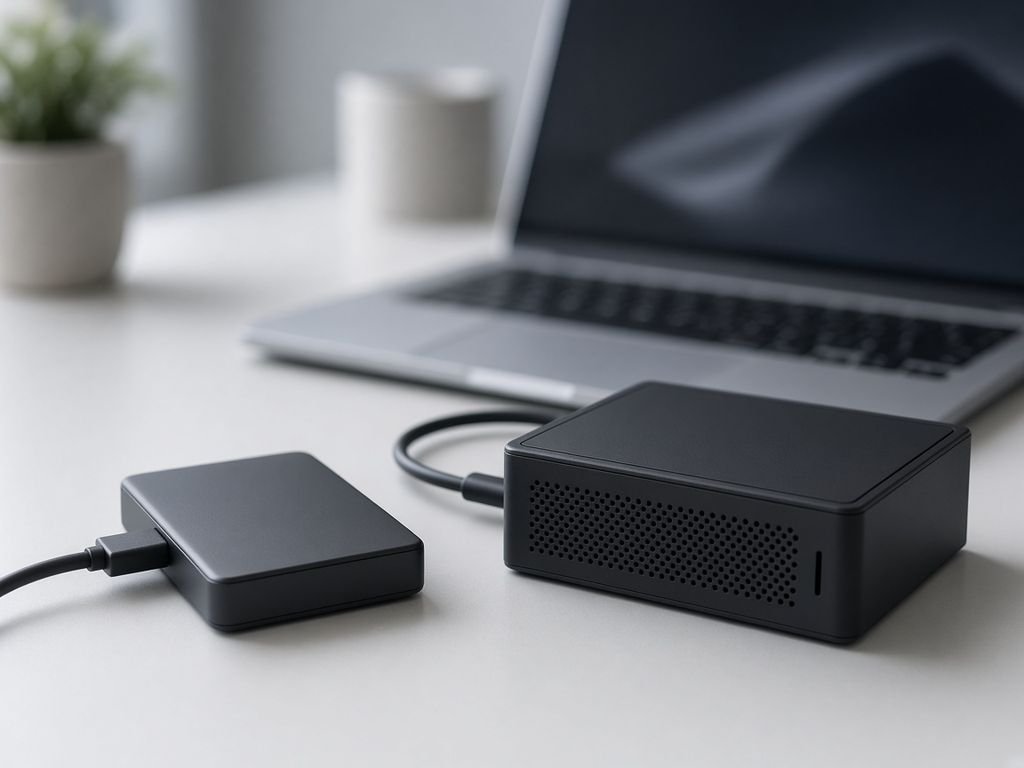
What to back up first
- Documents, spreadsheets and the folders your business cannot work without.
- Email and calendars, if they are not already held safely by a provider.
- Accounting data and customer records.
- Settings and licence keys you would struggle to recreate.
The 3-2-1 idea
| Number | Meaning |
|---|---|
| 3 | Keep three copies of important data, including the original |
| 2 | Use two different kinds of storage, such as an internal disk and an external drive |
| 1 | Keep one copy somewhere else, such as a cloud service or a drive stored off site |
Automate it
A backup that depends on someone remembering will eventually be forgotten. Use the built-in backup tools of your computer or a well-reviewed backup service and set a schedule.
Test a restore
Once a quarter, pick a file and restore it somewhere else. Check it opens. Write down how long it took and who did it, so you are not learning the steps in a crisis.
Elite Infotech Solution is an independent reading guide, not an IT service. For critical or regulated data, speak to a qualified professional.