Guide three
Office Network
The office network is the road every device travels on. A few minutes with the router and a notebook make it safer and much easier to fix.
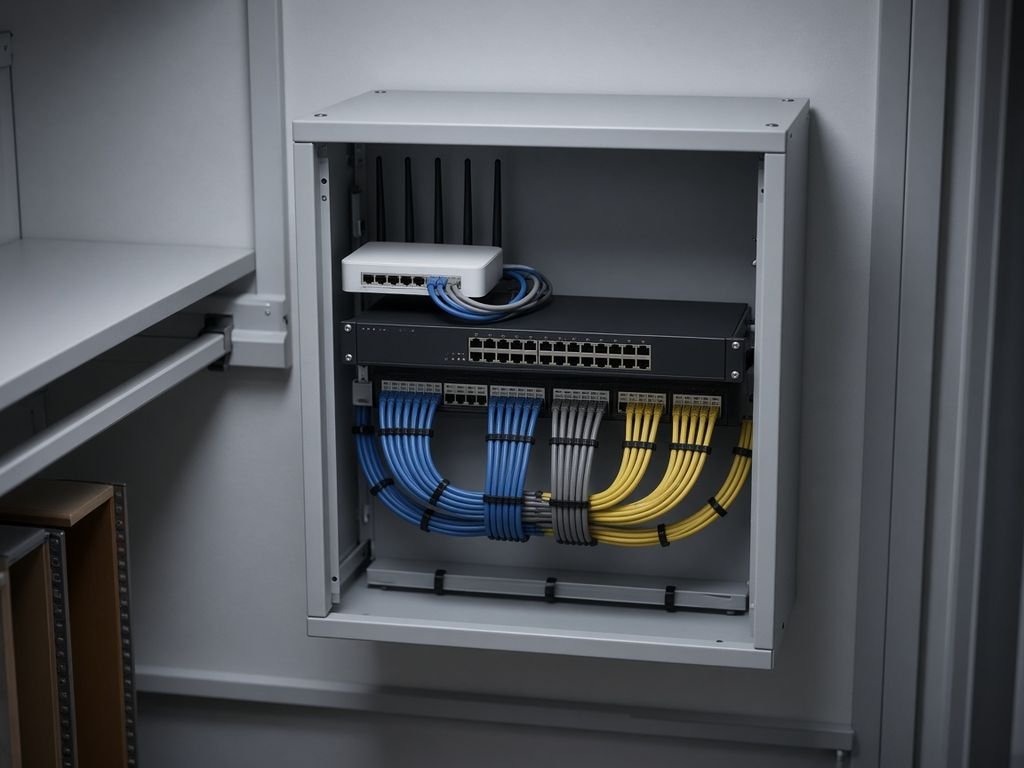
Router and Wi-Fi checks
- Change the default administrator password on the router.
- Use the strongest Wi-Fi security your devices support, and a long passphrase.
- Keep the router’s firmware updated, or ask your provider to do so.
- Turn off settings you do not use, such as remote administration.
A guest network
Give visitors, personal phones and smart gadgets a separate guest network, so they are kept apart from the computers that hold business data.
Equipment list
| Item | Write down |
|---|---|
| Router | Make, model, where it is and how to reset it |
| Switches and access points | Where they are plugged in and what they serve |
| Printers and shared devices | Addresses and who looks after them |
Plan for outages
Know your internet provider’s support number, keep the account details somewhere safe and decide how the team will work if the connection fails, for example by sharing a phone’s connection.
Settings differ between devices. Follow your equipment’s documentation, and use a qualified professional for anything complex.