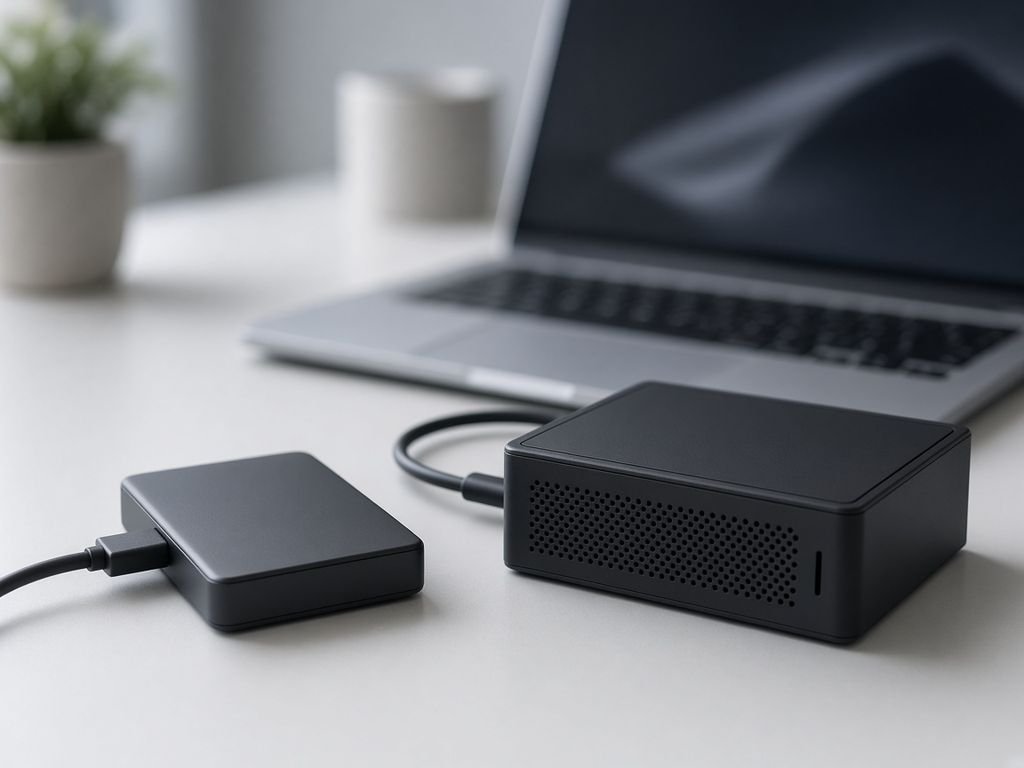

Test the restore
A backup only counts once you have shown you can get a file back from it.

Small-business IT basics
Short guides on backups, passwords and the office network, written for people who run a business and do not want to become IT experts. We explain; we do not sell IT services, repairs or products.

Welcome
Most small-business IT trouble comes from a handful of avoidable gaps: no tested backup, weak or reused passwords and a Wi-Fi network nobody has looked at in years. Elite Infotech Solution walks through each in short, practical pages.
This is an editorial guide. It is not an IT company, a managed service or a help desk, and it cannot access, repair or monitor anyone’s systems.
The three guides
Switch between the tabs to preview each guide, then open the one you need.
Guide one
A backup you have never tested is a hope, not a plan. Learn the 3-2-1 idea, what to copy and how to check that you can really restore.
Guide two
Strong, unique passwords and a second sign-in step block most everyday attacks. See how to set them up without making work harder.
Guide three
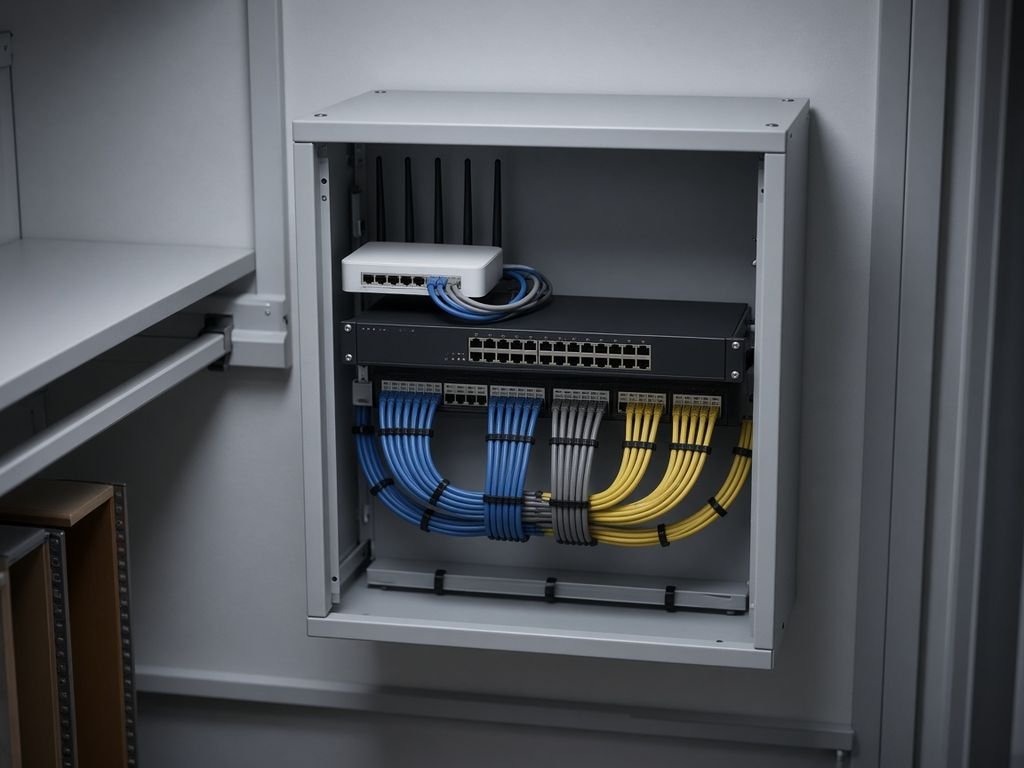
A tidy router, a changed default password and a separate guest network make a small office safer and easier to fix.
Good to know

A backup only counts once you have shown you can get a file back from it.
One password used in many places means one leak can open many doors.
Many attacks use problems that updates already fixed.
For anything critical or unusual, a qualified local professional is the right call.
How it works
If you only have an afternoon, this is a sensible order to follow. Each step links to a guide with the detail.

Write down devices, accounts, licences and who looks after each.
Copy what matters to a second place and test a restore.
Unique passwords, two-factor sign-in and installed updates.
Check the router, rename the guest Wi-Fi and write down the settings.
Backup self-check
Answer three quick questions about your most important files and see how close you are to the classic 3-2-1 backup rule.
A rough guide only. Nothing you enter is saved or sent, and it is not a security assessment.
Checklist
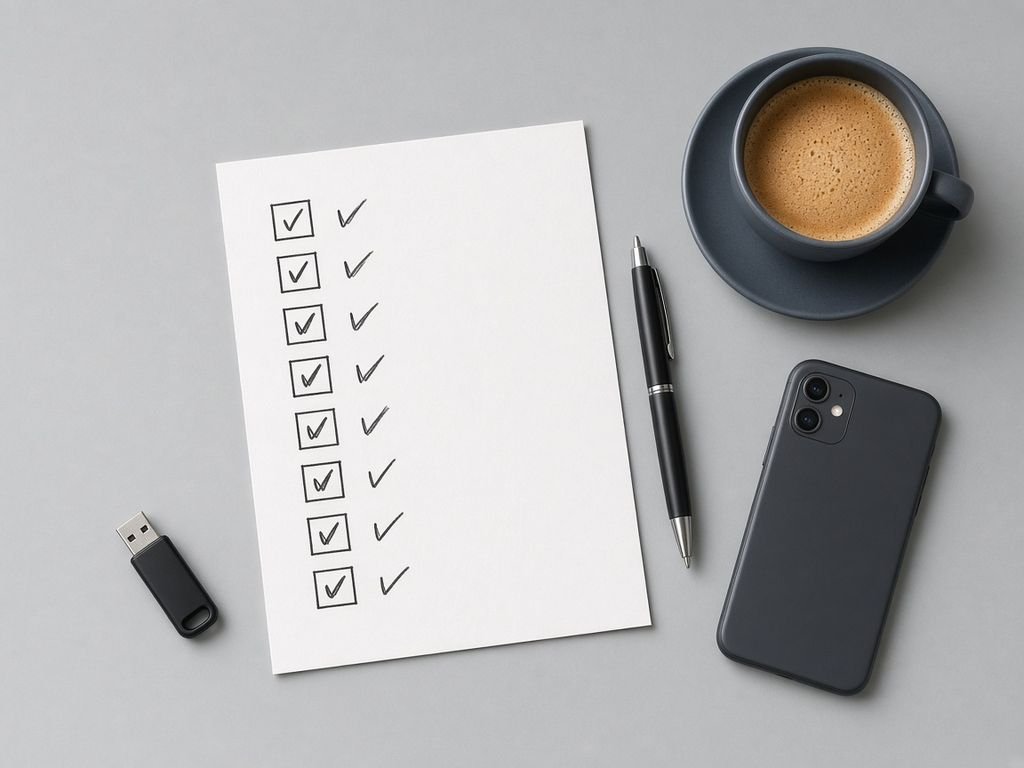
Tick items as you confirm them. Ticks stay in your browser and are not saved.
0 of 8 ticked
Questions
These are general answers. Your own software’s documentation and a qualified professional come first.
No. This site is an independent reading guide. We do not offer support, repairs, hosting, software or consulting.
Syncing is not always backing up, because a deleted or damaged file can sync too. Check whether your service keeps older versions.
Many guides recommend one because it makes unique passwords practical. Pick a well-reviewed one and protect it with a strong passphrase.
It asks for a second proof, such as a code from an app or a key, in addition to your password.
It is general information only. For regulated data or a suspected breach, speak to a qualified professional.

Start small
Pick a guide, finish one step and write it down. Small, steady changes add up.